1
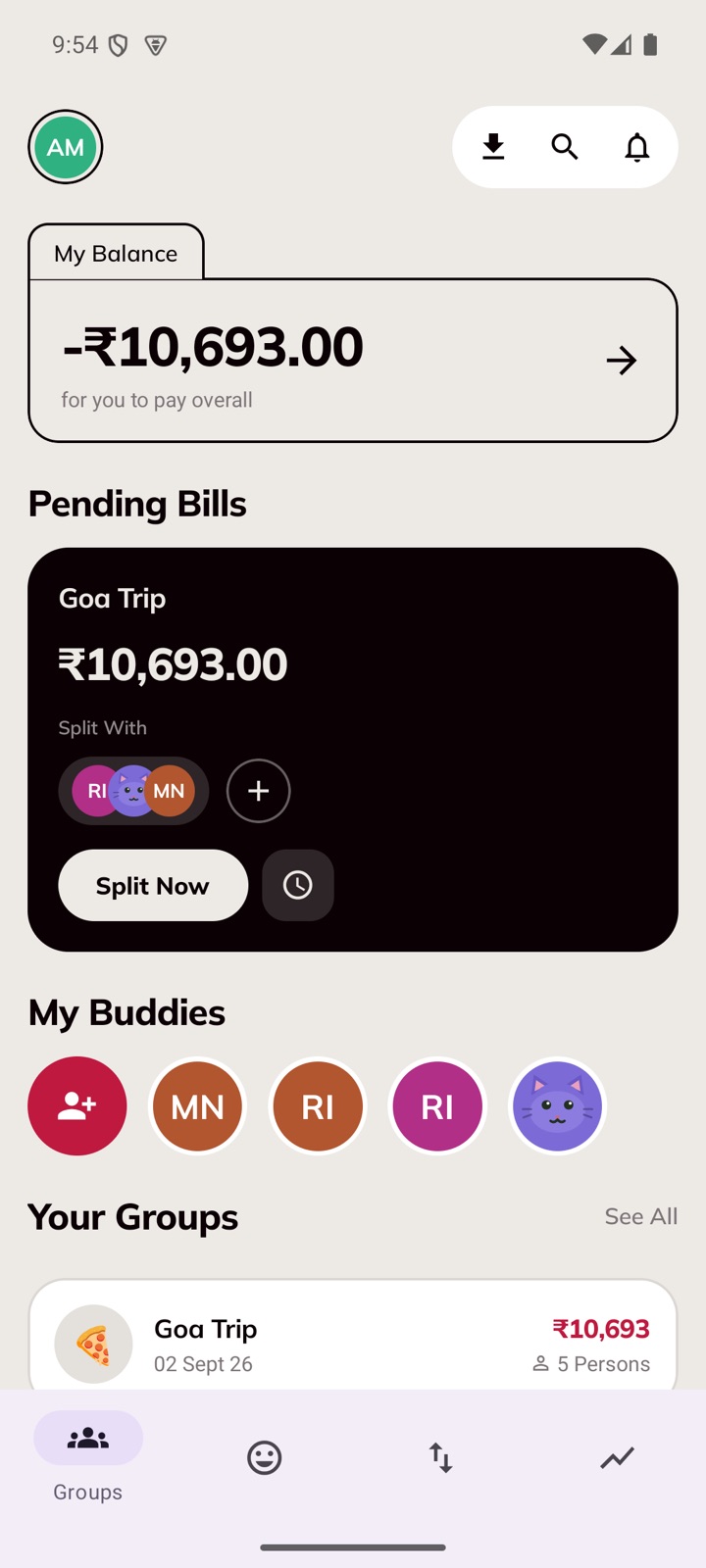
Tap the import button
It sits at the top of your groups, next to the magnifying glass.
 divzy.
Switching · a five-minute guide
It happens inside the app, and it takes one file. Every expense comes across with the person who paid, each person's exact share, the dates, and the money already settled. Nothing is saved until Divzy's own totals agree with Splitwise's.
First
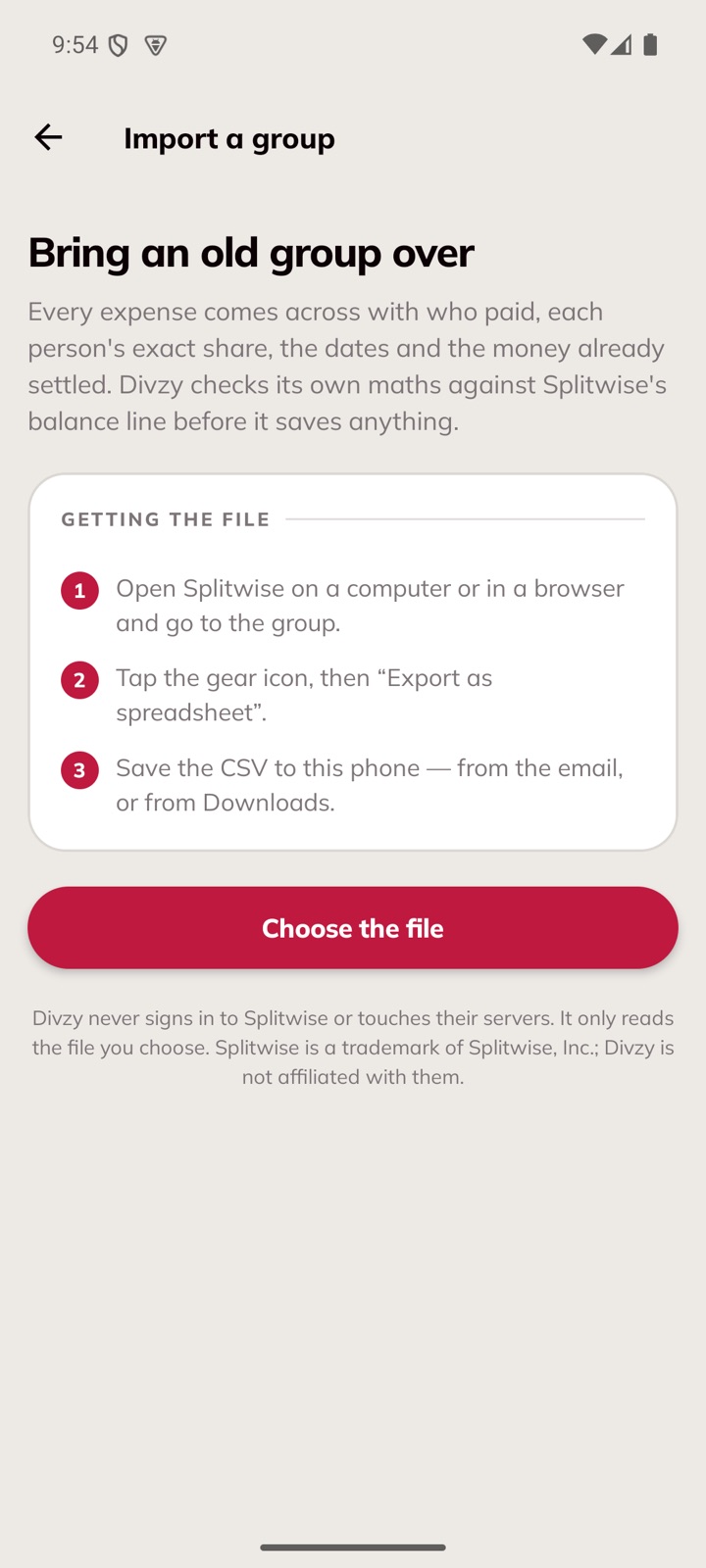
On a computer, or in a phone browser, sign in to splitwise.com and open the group you want to move.
In the group, open the settings menu and choose “Export as spreadsheet”. Splitwise makes a CSV file.
It downloads, or arrives by email. Save it where your phone can see it — Files, or the Downloads folder.
That file is your own history. Divzy just reads it.
Then
It sits at the top of your groups, next to the magnifying glass.
Divzy reads it on the spot. It never signs in to Splitwise or touches their servers.
Every bill, who paid and the dates. Divzy adds the whole group up and compares it with Splitwise's own balance line before it saves anything.
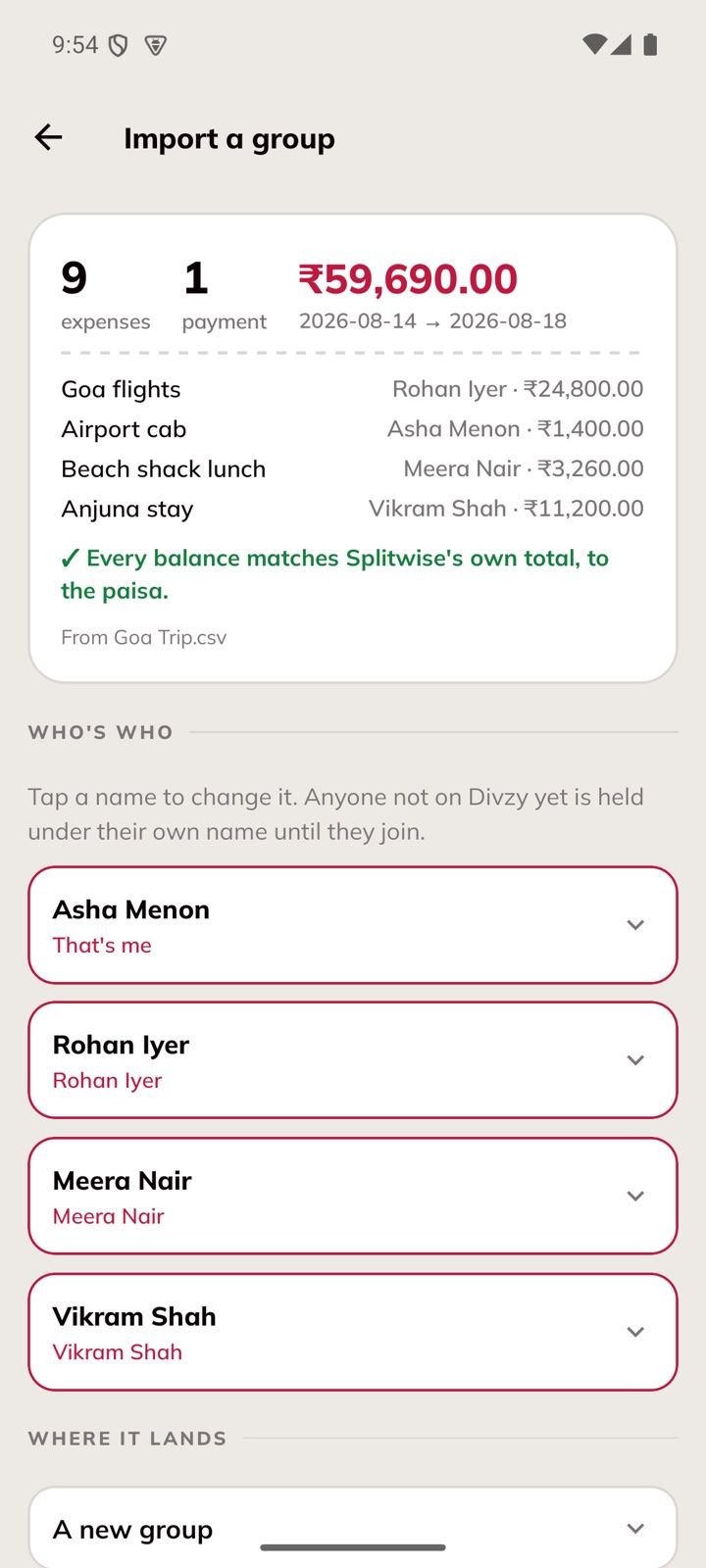
Names are matched to your Divzy friends. Anyone not on Divzy yet is held under their own name — their share of everything is still counted.
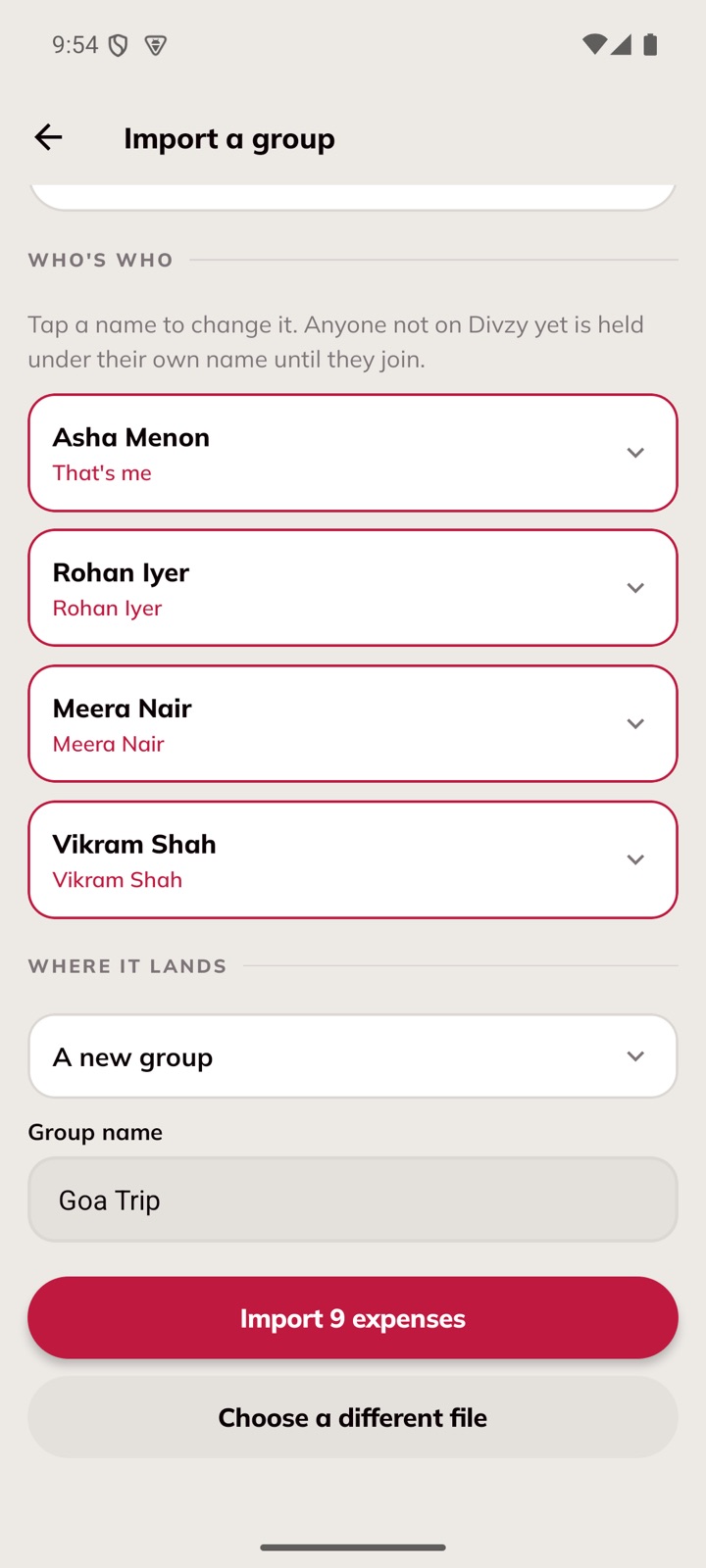
The group is yours, balances intact. Send the code to the others and they walk straight into it — and Divzy asks each of them which held name is theirs.
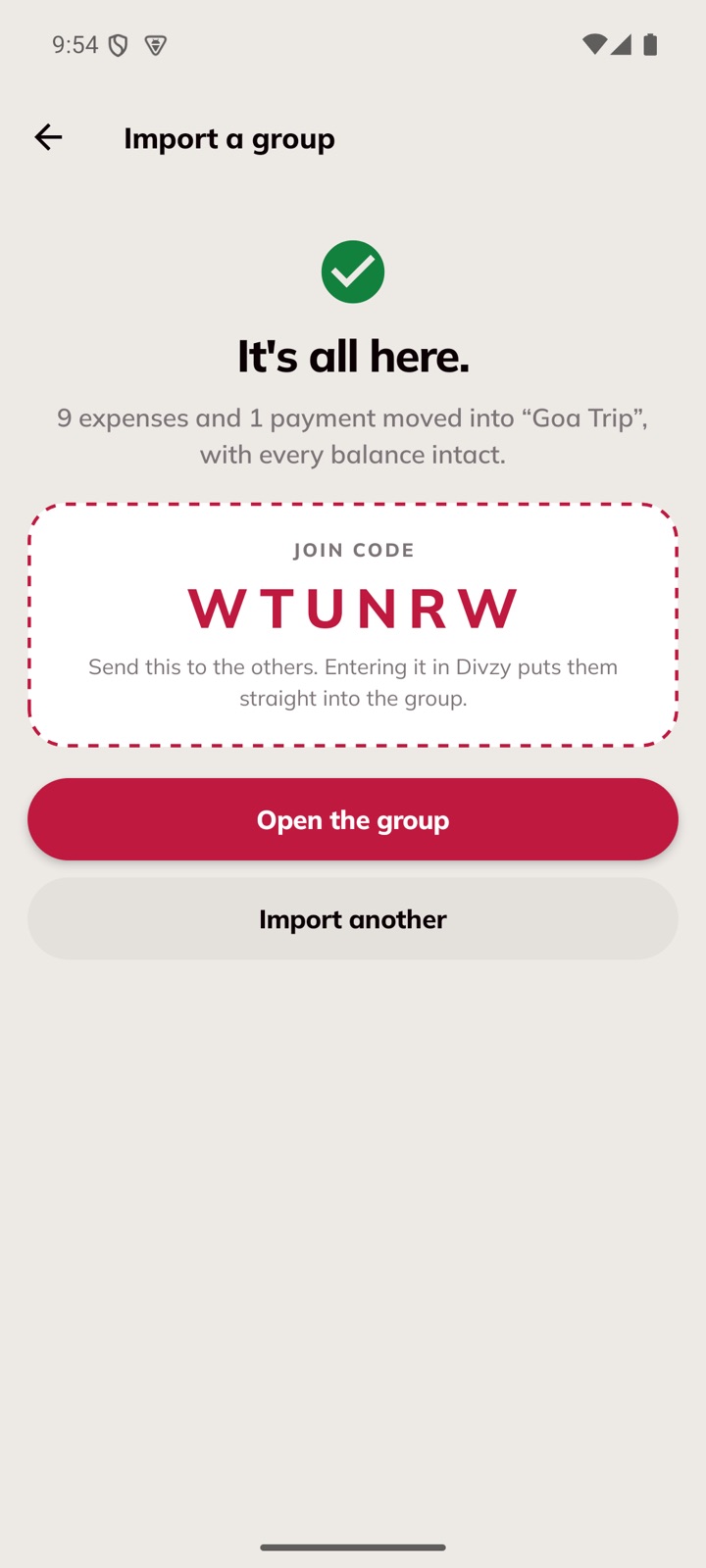
And afterwards
Add someone to a group that already has bills and Divzy asks whether they were in on them. Say yes to all of them, or tick the ones they actually shared — each ticked bill re-splits equally, and the rest are left exactly as they were.
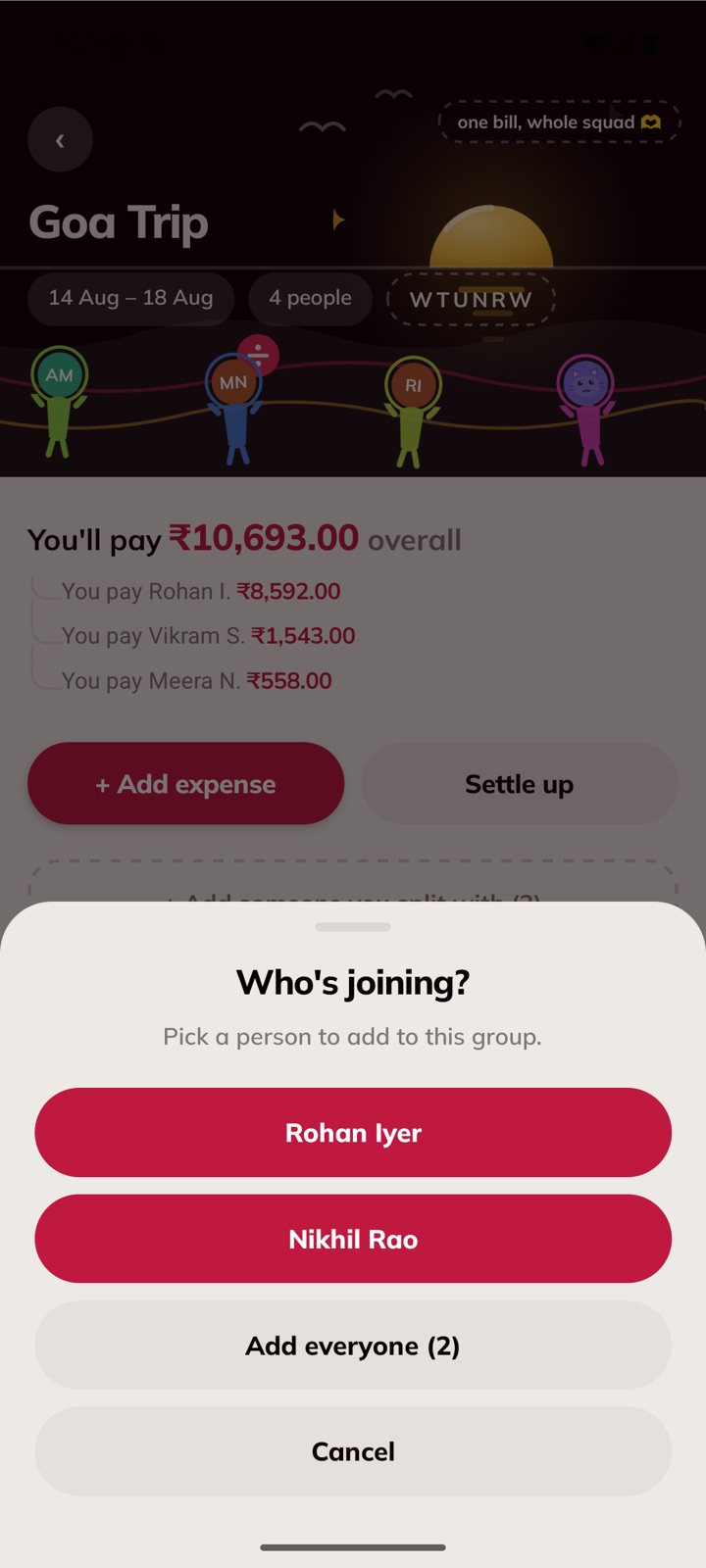
Pick who's joining.
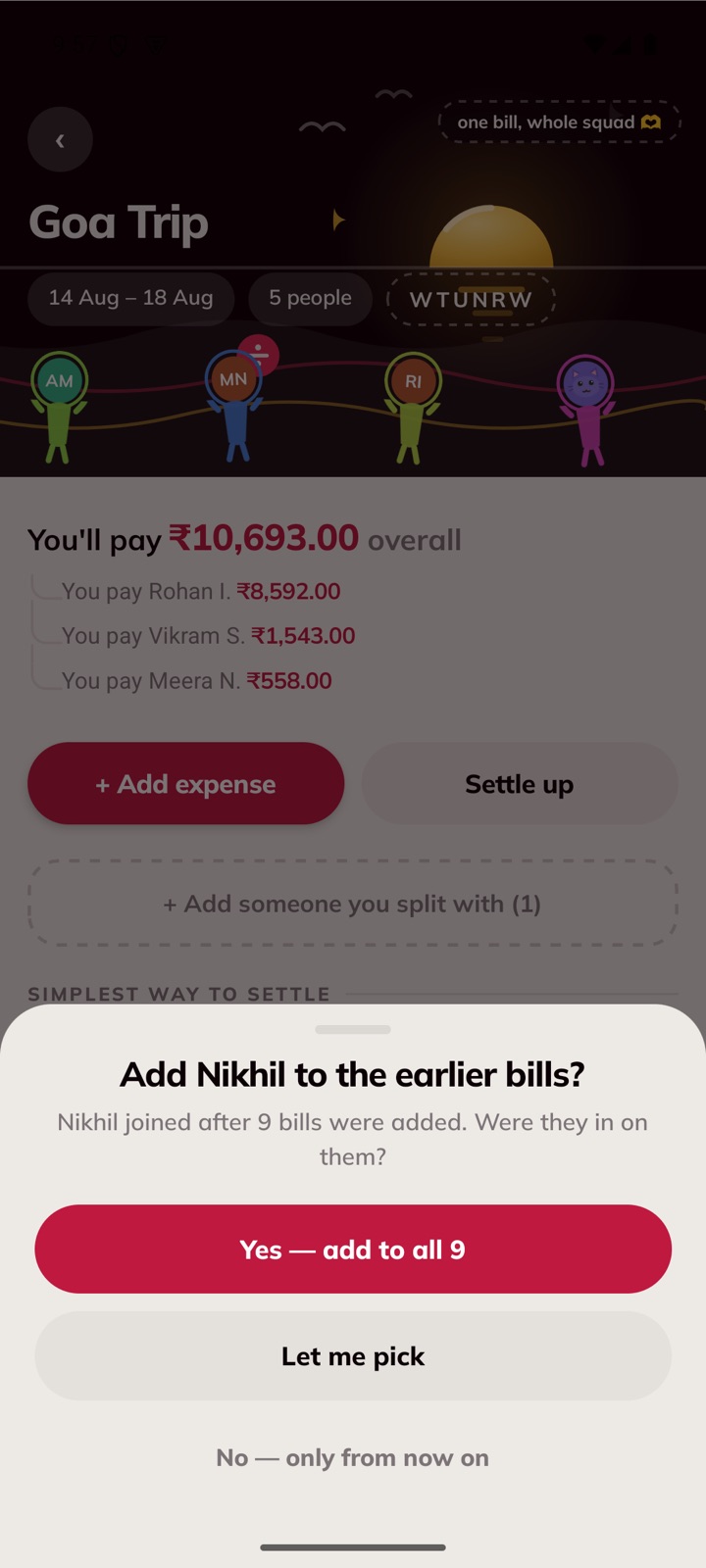
All of them, or choose.
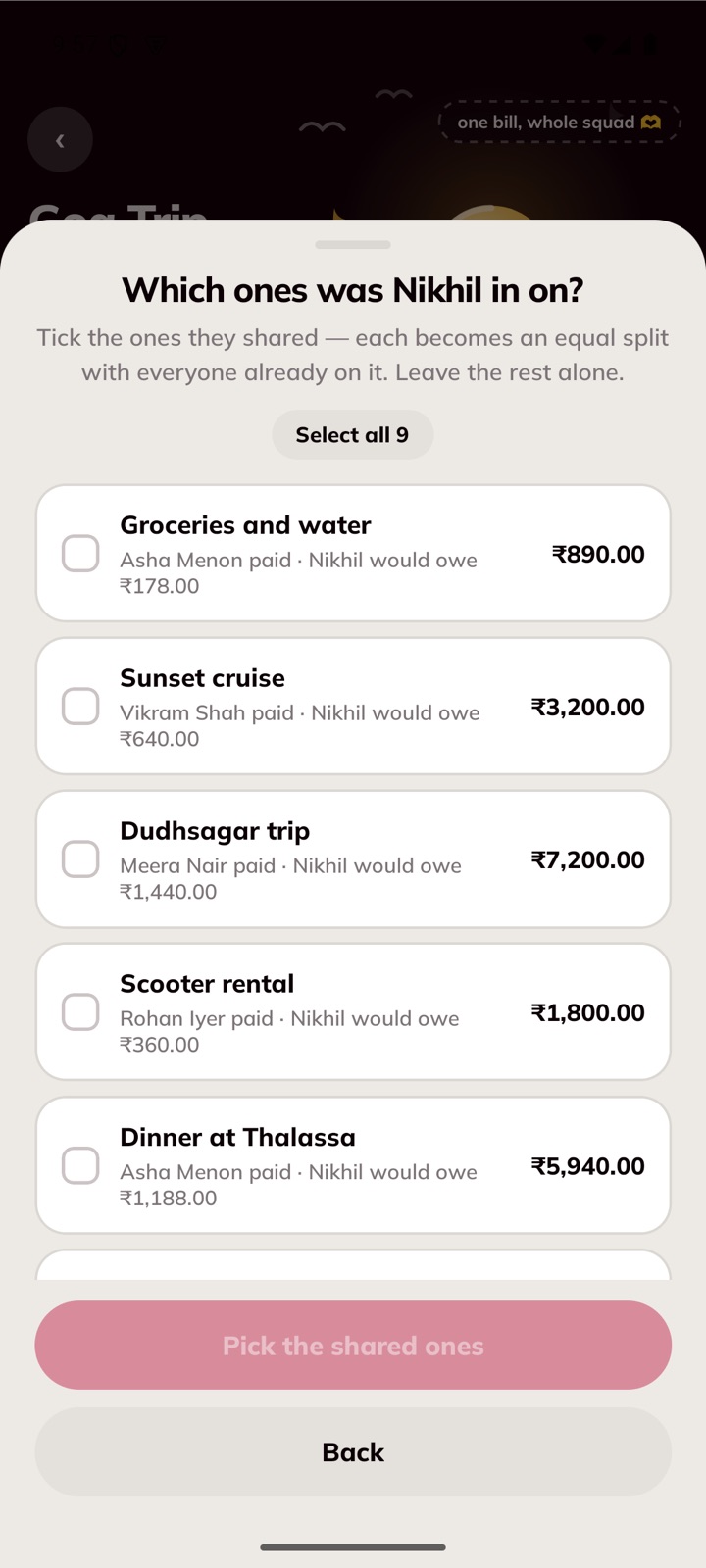
What each bill would cost them.
A bill where one person ate more stays that way, down to the paisa. Nothing is rounded into an equal split.
Money already settled in Splitwise arrives as settled, not as another expense.
People not on Divzy yet are held by name. When they join with the code, their history becomes theirs.
Stuck on a file? Send it over and we'll look.
admin@vayuuntechnologies.inDivzy never signs in to Splitwise and never contacts their servers. It only reads the export file you choose, which is your own record of your own expenses. Splitwise is a trademark of Splitwise, Inc. Divzy is made by Vayuun Technologies (OPC) Private Limited and is not affiliated with, endorsed by, or connected to Splitwise, Inc.